How Visualinst Detects Beats, Transients and Song Sections
A plain-English look at the analysis behind Visualinst: five-band onset detection, tempo estimation, beat tracking and section boundaries — all running on your device.

Visualinst draws what it hears, so the analysis is the heart of the product. Here’s what happens in the few seconds between dropping in a file and pressing play. Everything below runs locally — in your browser tab, or in the Mac app — and your audio never leaves your machine.
1. From waveform to spectrum
The track is decoded and folded to mono, then cut into overlapping windows: 2,048 samples each, 100 windows per second. Each window goes through a Fourier transform, giving a picture of which frequencies are present at that moment.
2. Transients in five bands
A “transient” is the start of a sound — a kick, a snare crack, a hi-hat tick. Visualinst looks for them separately in five bands:
- Sub: 25–150 Hz (kicks, 808s)
- Low-mid: 150–800 Hz (bodies of drums, bass notes)
- Mid: 0.8–3 kHz (snares, vocals, leads)
- High: 3–8 kHz (snare crack, claps)
- Air: 8–17 kHz (hi-hats, cymbals)
In each band it measures spectral flux — how much energy appears that wasn’t there a moment ago — with a small max-filter that ignores vibrato and slow sweeps. An adaptive threshold then picks the peaks, and each hit is given a strength. That strength decides how big its node is and whether it bursts into twigs.
3. Tempo
To find the tempo, Visualinst looks for repetition in the combined onset signal. The tricky part is that drums repeat at many intervals at once: dotted rhythms and triplet hi-hats can fool a detector into reporting two-thirds or four-thirds of the real tempo.
So instead of trusting a single repetition, Visualinst scores each candidate tempo by how strongly the pattern also repeats at one bar, two bars and four bars. Real tempos line up with the bar structure; fake ones don’t. In our tests on beats with known tempos from 90 to 158 BPM, including trap and drill with busy hi-hats, the estimate landed within about 1% every time.
4. Beats and downbeats
With a tempo in hand, a dynamic-programming beat tracker finds the sequence of beat times that best fits both the onsets and a steady pulse. To find the first beat of each bar, Visualinst looks at where the strongest low-end hits and the biggest harmonic changes land, then groups beats in fours — the meter of the overwhelming majority of pop, hip-hop and electronic music.
5. Sections
For every beat, Visualinst builds a fingerprint of timbre (24 frequency bands) and harmony (12 pitch classes). Comparing every beat with every other beat gives a self-similarity map, where repeated sections show up as matching blocks. A “checkerboard” filter run along that map peaks wherever the music changes character — those peaks become section boundaries, snapped to the bar grid (and to four-bar phrases when they’re close).
Sections that sound alike get the same label. That’s why a returning hook comes back in the same lane and the same color.
6. From analysis to picture
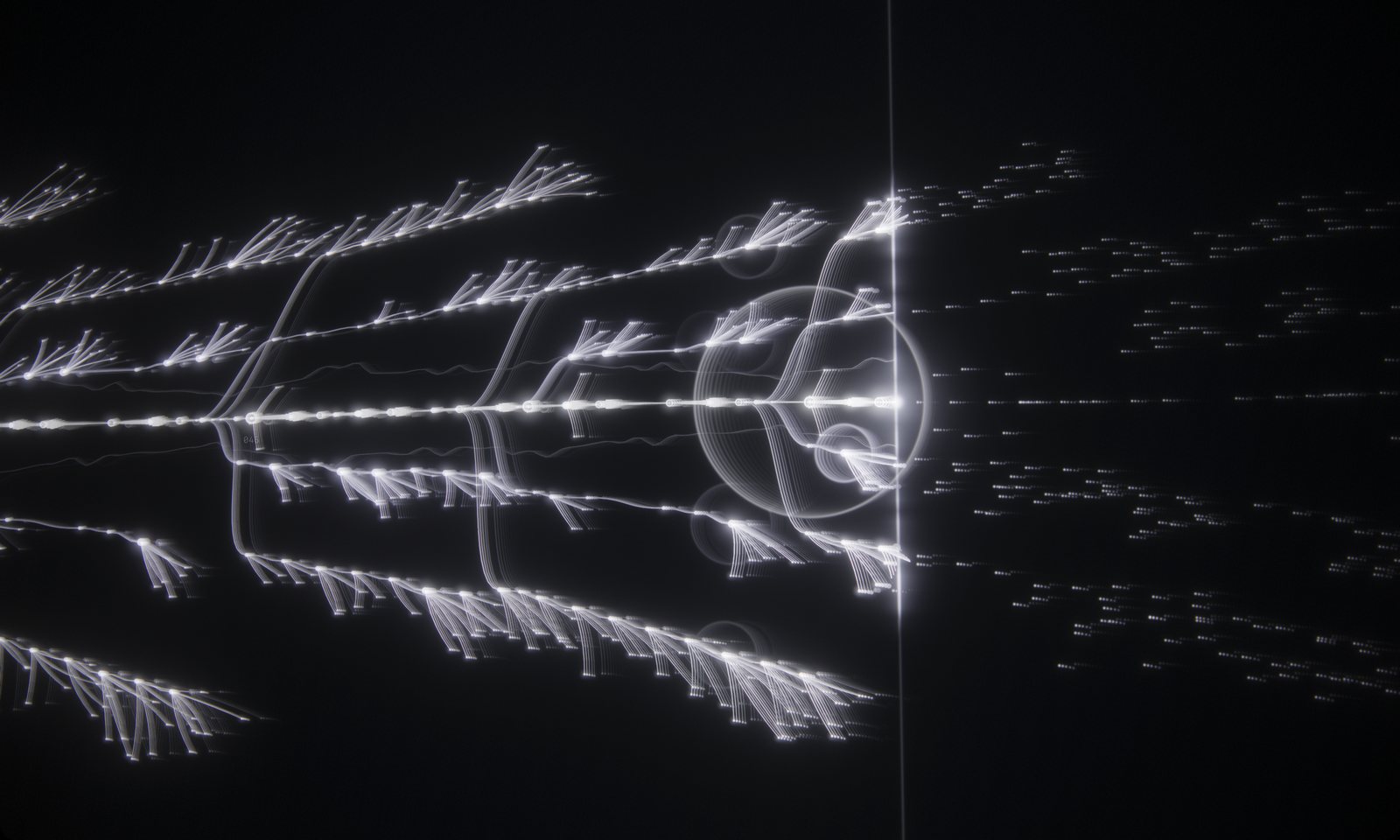
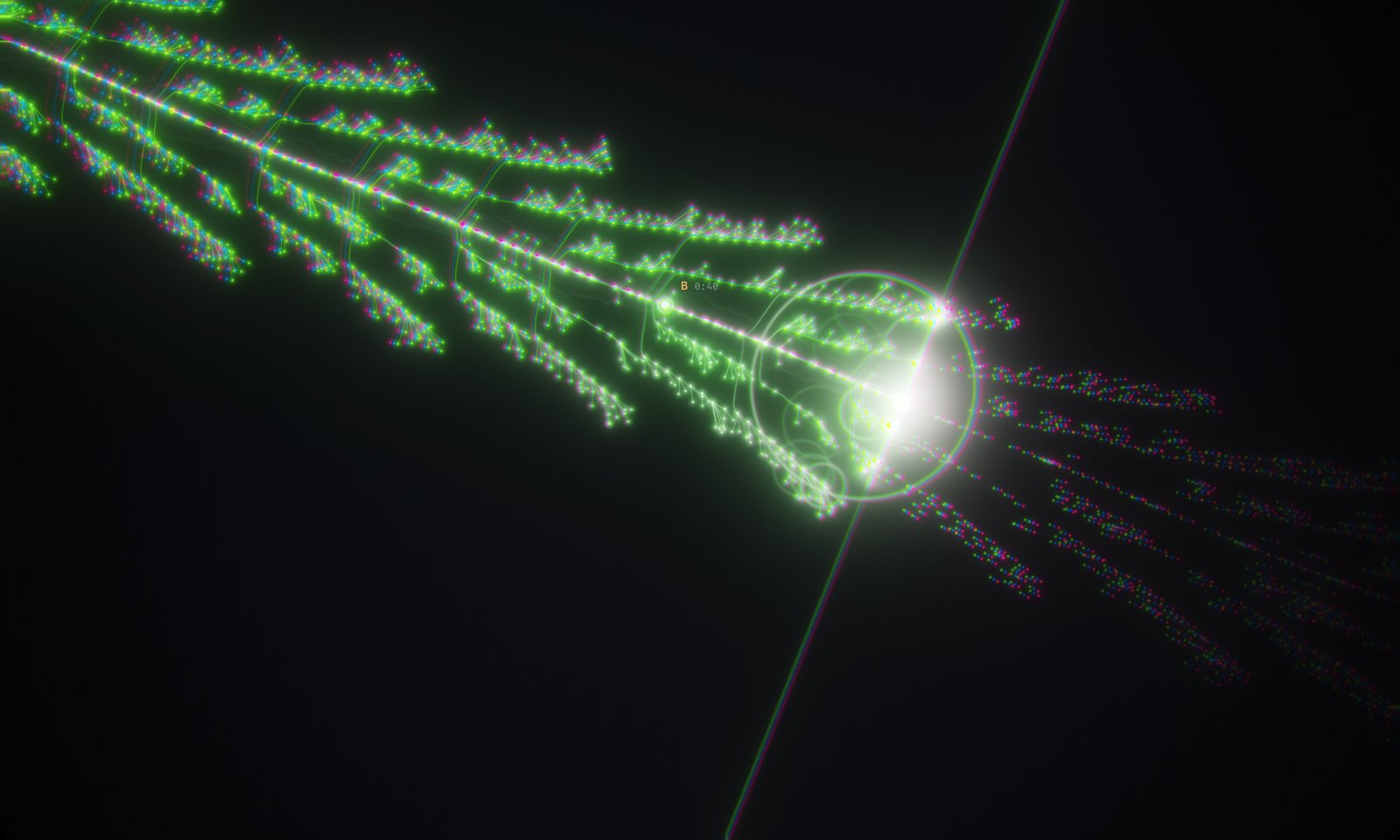
- Beats become the trunk; downbeats get larger nodes.
- Sub hits pulse the trunk and send out rings.
- Hits from the other four bands become branches, grouped by bar — the higher the band, the further from the trunk.
- Strong hits burst into twigs.
- Section changes fork the trunk into a new lane and color.
Every element carries the time it should appear, and the GPU reveals it exactly as the playhead reaches it. The result stays locked to the audio clock for the whole track.
How long it takes
A few seconds for a typical song. On an M2 Pro, a three-to-four-minute track takes two to three seconds.
Keep reading
Visualize Unreleased Music Without Uploading It
Visualinst decodes and analyzes your audio on your own device. Here’s why that matters for unreleased beats, client work and label previews — and how to verify it yourself.
A Music Visualizer That Runs in Your Browser on Windows, Mac, Linux and Chromebook
No installer and no heavy editing software: Visualinst runs in Chrome, Edge, Firefox and Safari with WebGL 2, with one account across every computer you use.

FLUID Mode: An Automatic Camera Director That Cuts on the Beat
How Visualinst Pro’s FLUID mode chooses camera angles, when it cuts, and how to tune Chaos, 3D Depth and Hard Cuts — with three ready-made recipes.