Guides for making visuals that fit the music.
How Visualinst works, who it’s for, and workflows for beats, releases, streams and artwork.

How to Make a Music Visualizer for Your Beat in Under a Minute
Turn an MP3 or WAV into a visualizer that follows your kick, snare and hi-hats — no video editor, no templates, no keyframes. A step-by-step guide.
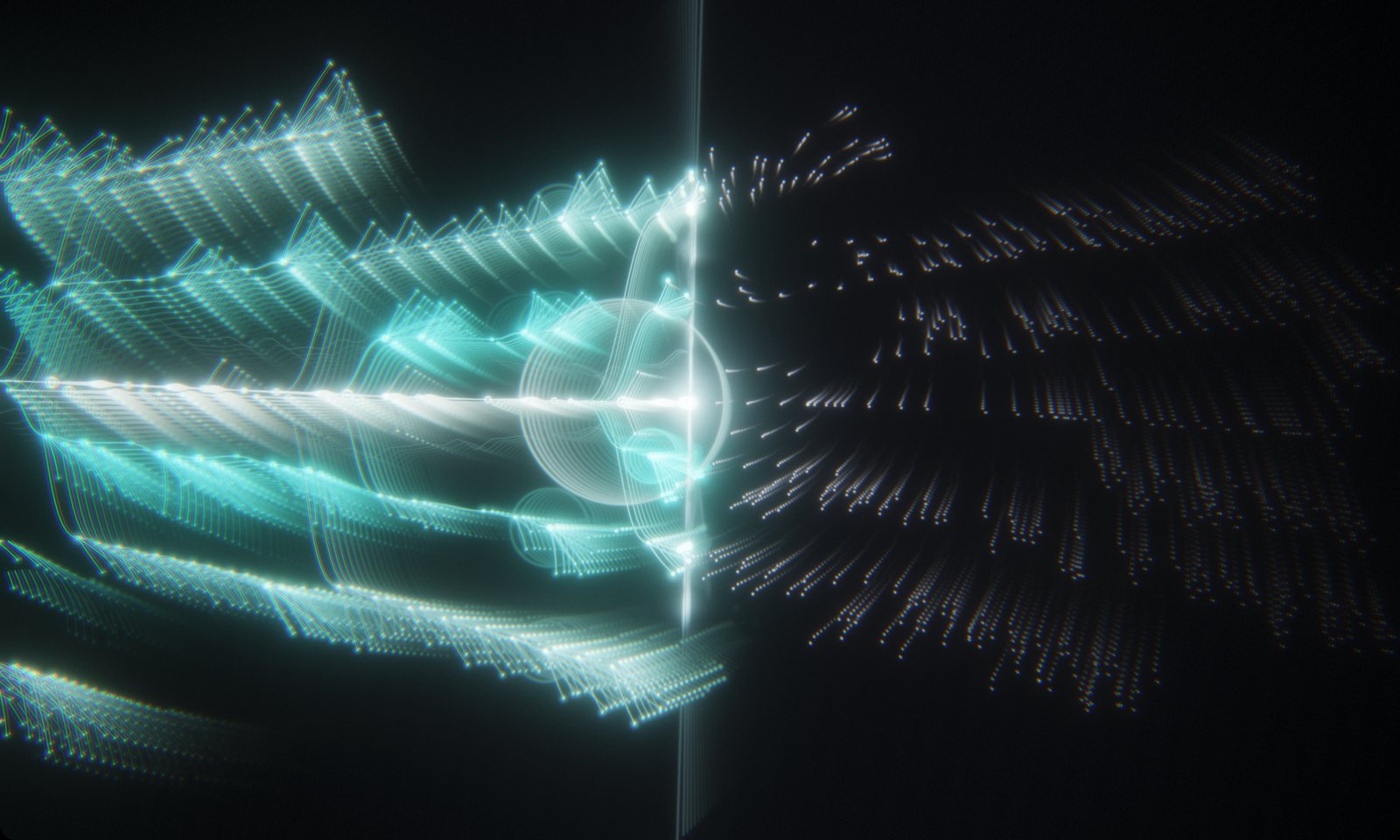
A Music Visualizer Workflow for YouTube Type Beats
How beatmakers can give every upload its own visualizer: analyze the beat, pick a look, record a clean 60 fps take, and pull a thumbnail from the same session.
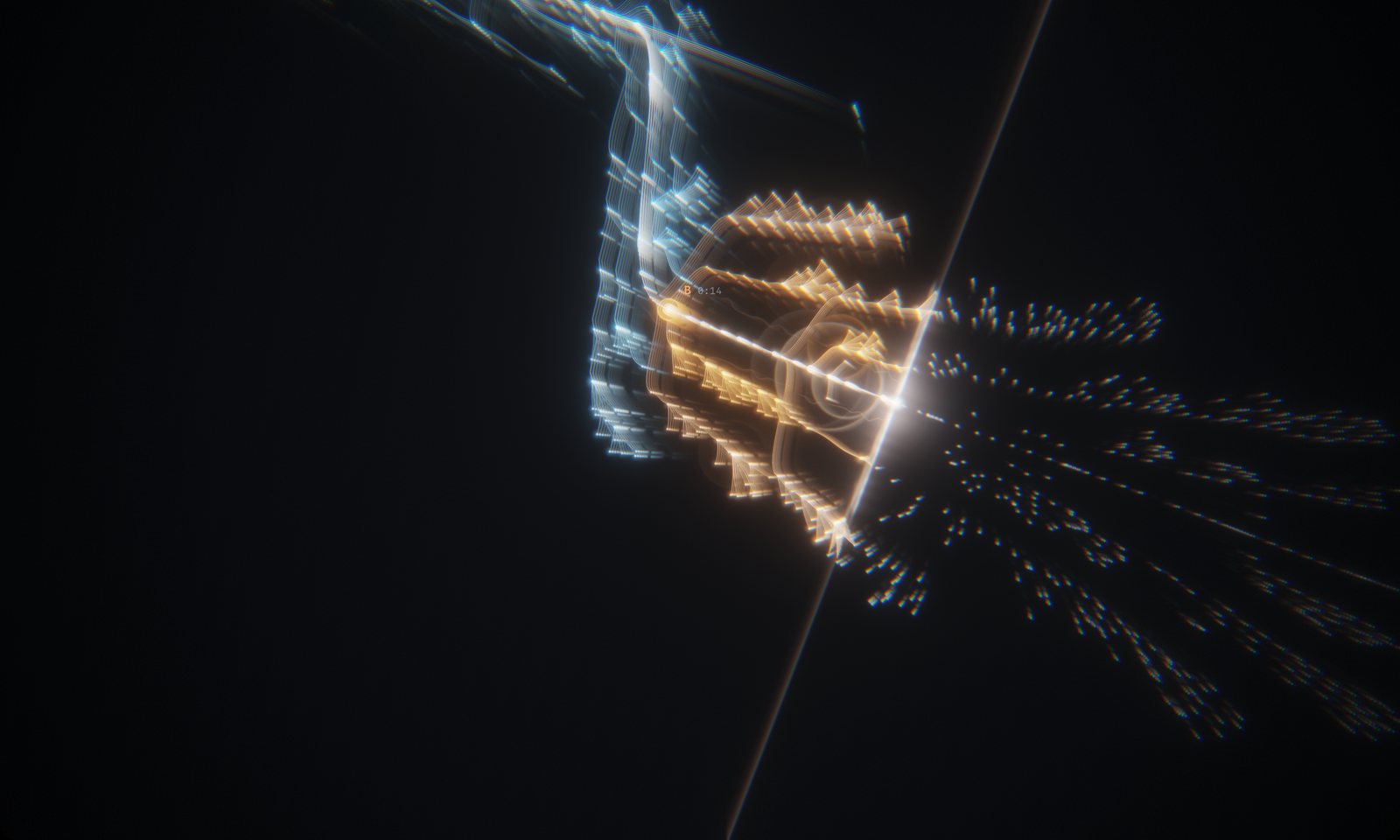
Audio-Reactive vs. Structure-Aware: Why Visualinst Reads the Whole Track First
Most visualizers react to the last few milliseconds of sound. Visualinst analyzes the entire song first, so the picture can follow beats, sections and what’s coming next.

How Visualinst Detects Beats, Transients and Song Sections
A plain-English look at the analysis behind Visualinst: five-band onset detection, tempo estimation, beat tracking and section boundaries — all running on your device.
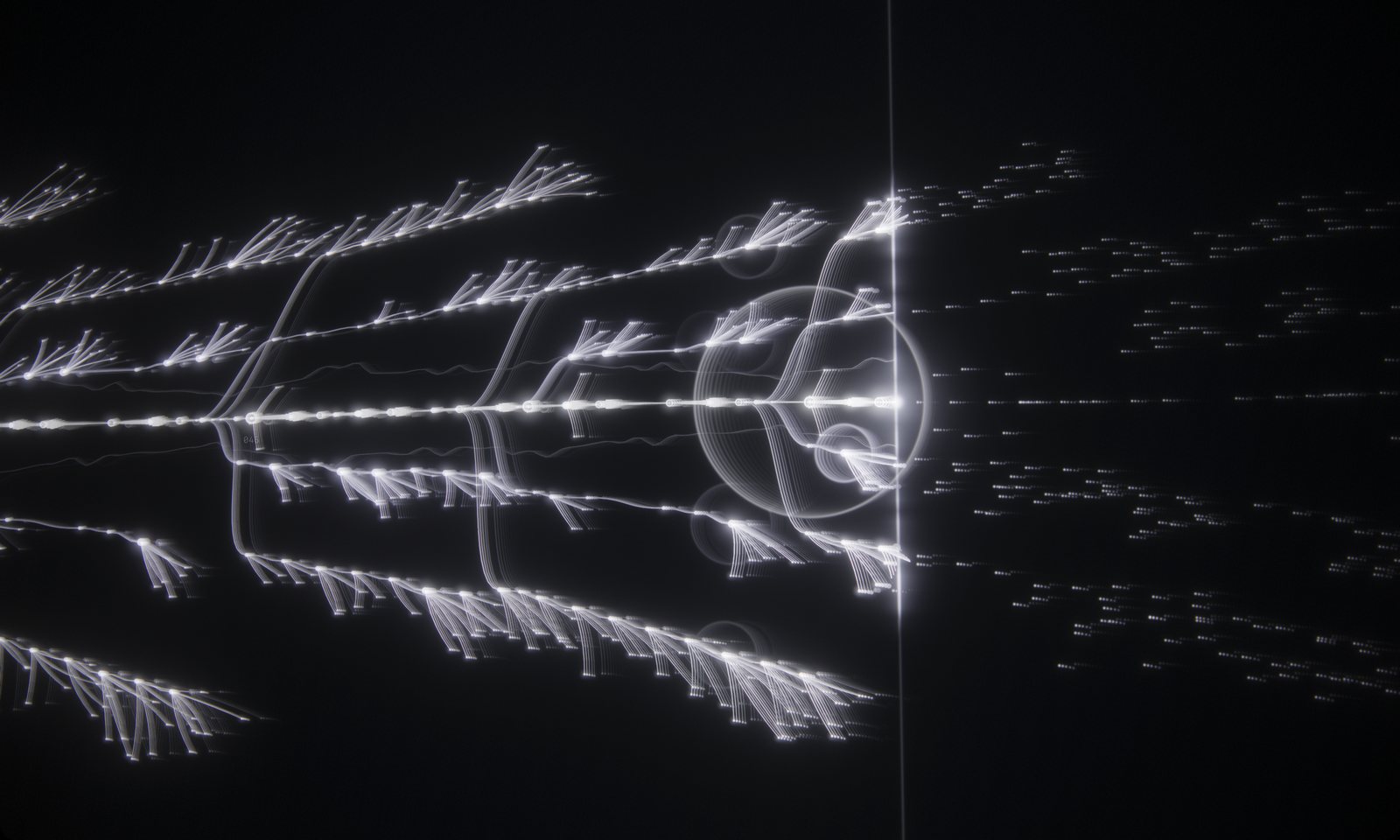
Visualize Unreleased Music Without Uploading It
Visualinst decodes and analyzes your audio on your own device. Here’s why that matters for unreleased beats, client work and label previews — and how to verify it yourself.
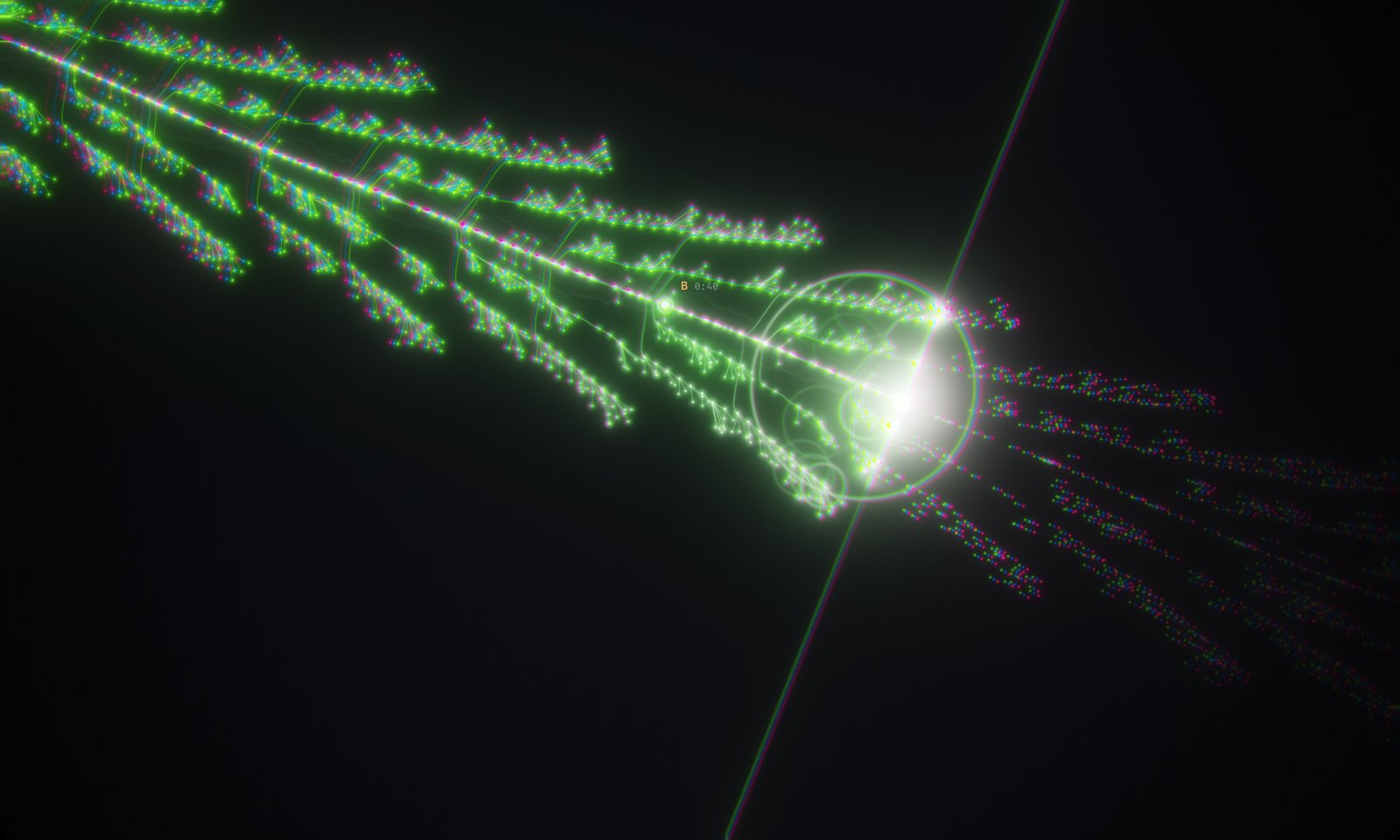
A Music Visualizer That Runs in Your Browser on Windows, Mac, Linux and Chromebook
No installer and no heavy editing software: Visualinst runs in Chrome, Edge, Firefox and Safari with WebGL 2, with one account across every computer you use.

FLUID Mode: An Automatic Camera Director That Cuts on the Beat
How Visualinst Pro’s FLUID mode chooses camera angles, when it cuts, and how to tune Chaos, 3D Depth and Hard Cuts — with three ready-made recipes.
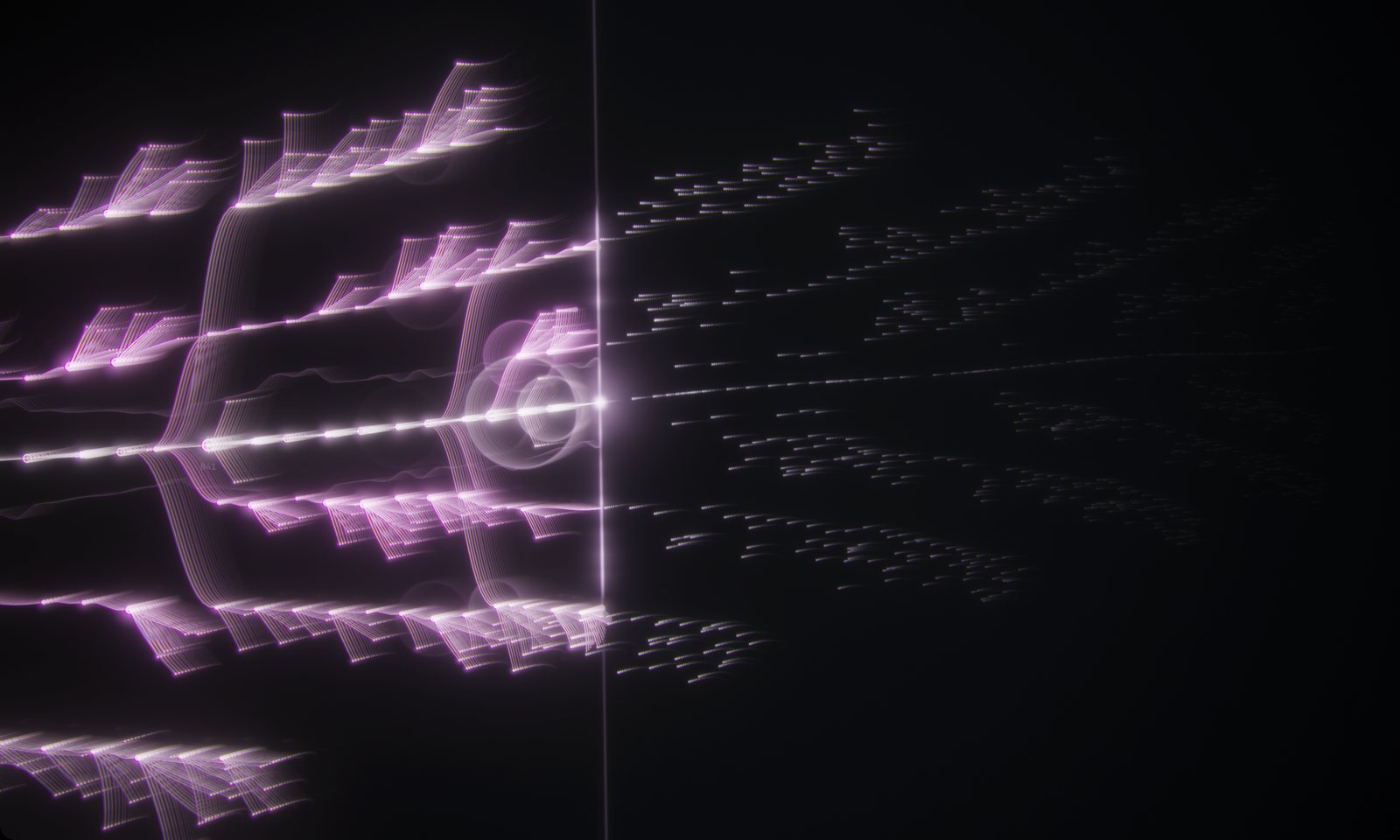
Turn Your Song Into Artwork and Thumbnails
Every track Visualinst analyzes ends as a spiral map of the whole arrangement. Here’s how to capture frames and maps for thumbnails, posts and release visuals.
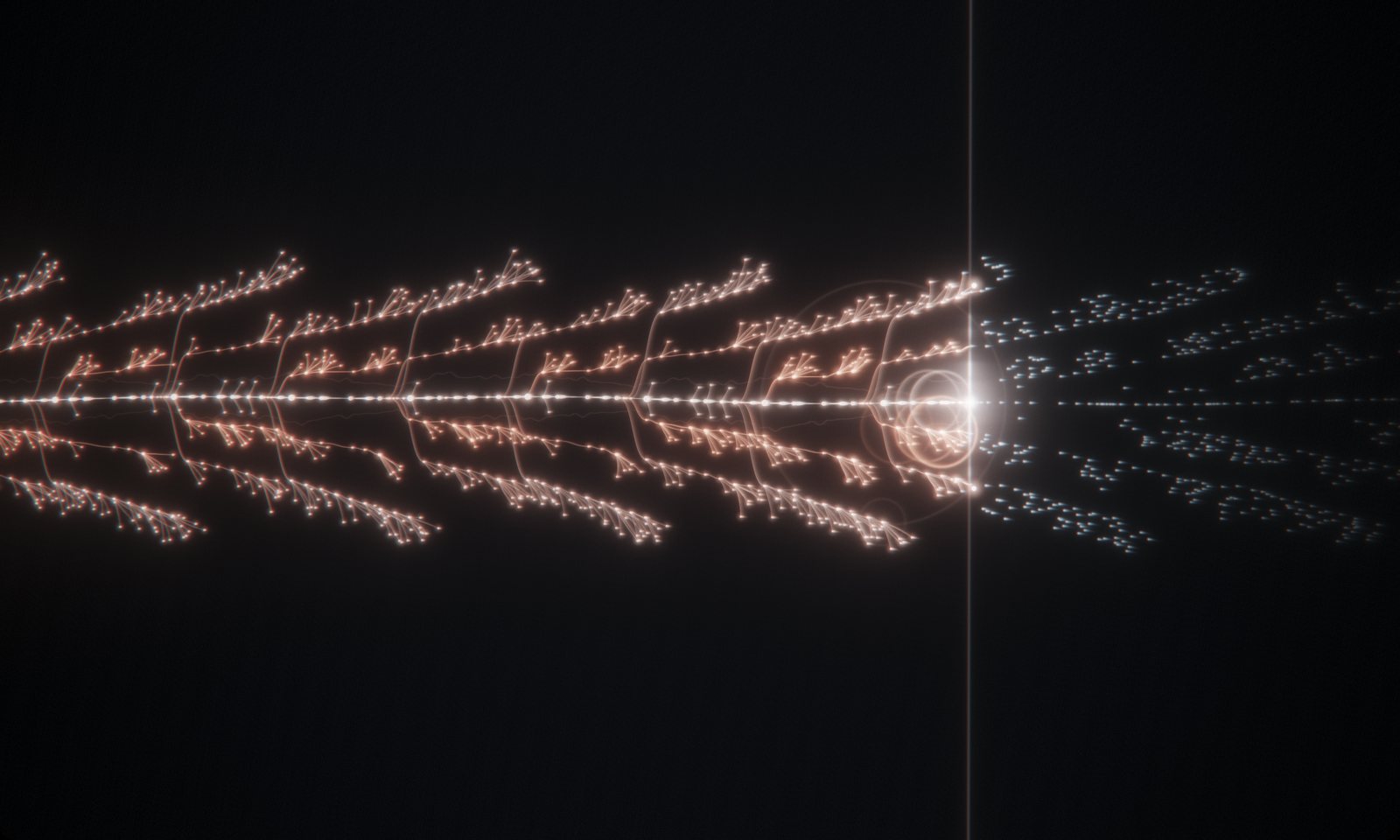
Is Visualinst Right for You? Who It’s For and How to Choose a Plan
Beatmakers, artists, DJs, streamers and educators use Visualinst to give every track its own visual. Here’s who gets the most from it, how it compares, and Free vs Pro.