FLUID Mode: An Automatic Camera Director That Cuts on the Beat
How Visualinst Pro’s FLUID mode chooses camera angles, when it cuts, and how to tune Chaos, 3D Depth and Hard Cuts — with three ready-made recipes.
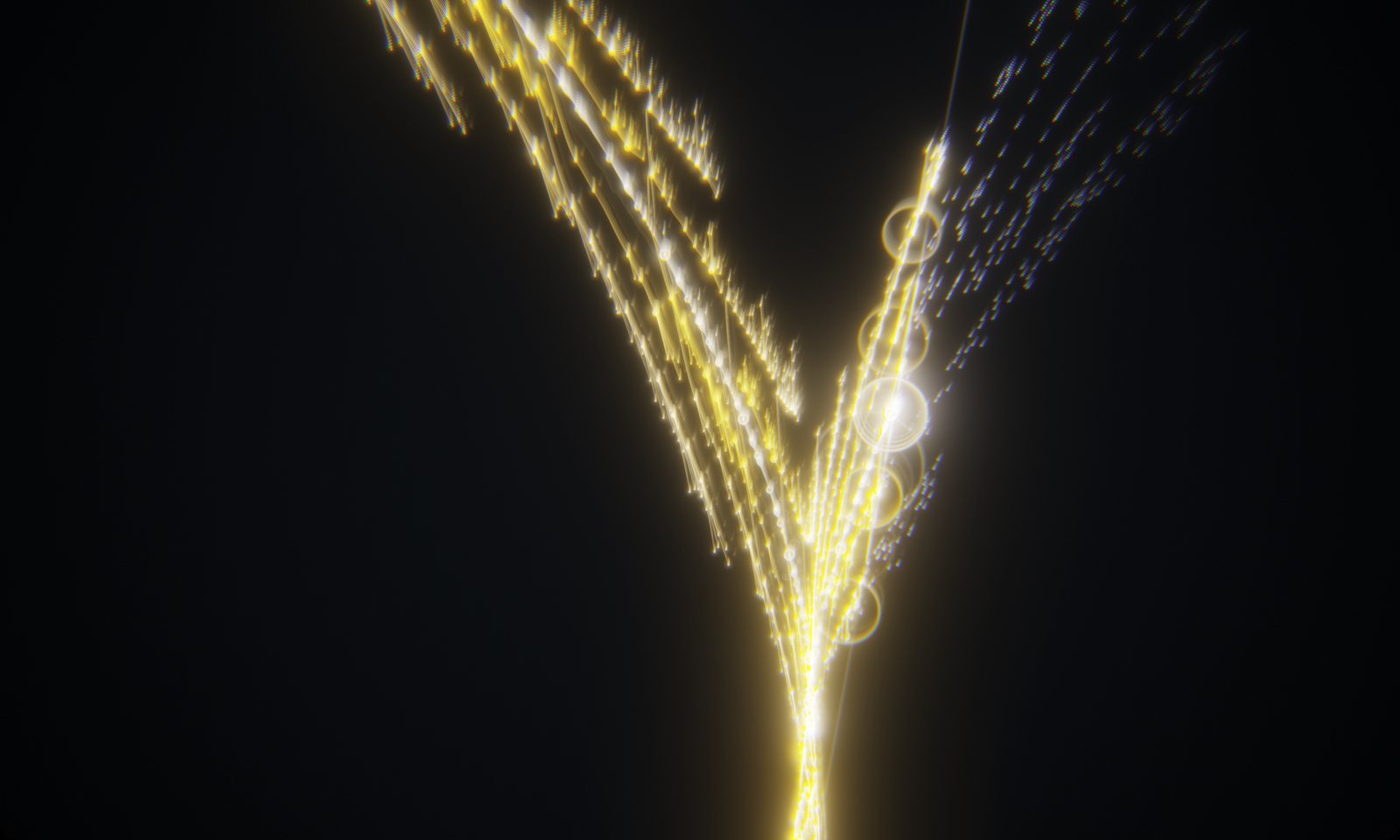
A good music video editor cuts on the beat and saves the big moves for the moments that matter. FLUID mode does the same thing automatically, using the beat grid and section map Visualinst already found in your track.
What FLUID does
Turn it on with M (or the FLUID button). The camera starts moving between 11 kinds of shots:
- Side — the classic timeline view
- Dutch — a tilted horizon
- Macro — close in on the playhead
- Wide — pull back to see the shape of the last few bars
- Spin — a slow continuous roll
- Curve — the timeline bends, partway toward the spiral map
- Runway, Chase, Tilt, Orbit, Dive — five 3D perspectives, from looking down the track toward what’s coming to diving over it from above
The current shot’s name appears next to the FLUID button.
When it changes
- On downbeats. New shots start on the first beat of a bar, every one, two or four bars — more often in high-energy sections.
- At section changes. When the song moves into a new section, FLUID picks a dramatic shot and refreshes the motion and lens layer: trails, tunnel, twist, prism, and sometimes the kaleidoscope. The color can shift too.
- On kicks. Between cuts, the camera breathes with the music, with small moves and a punch-in on strong kicks.
Some changes glide over a second or two; others are hard cuts that land exactly on the downbeat.
The three camera controls
Open the FX panel with E:
- Chaos — how restless the camera is: drift, roll and how often it changes shot.
- 3D Depth — how far the 3D shots tilt. Zero keeps everything flat.
- Hard Cuts — the share of shot changes that cut instantly instead of gliding.
Three recipes
Late-night, minimal
Mono palette, Chaos 30%, 3D Depth 30%, Hard Cuts 10%, Vignette 80%, Trails off. Slow, deliberate moves that suit ambient beats and R&B.
Drop energy
Neon or Acid palette, Chaos 90%, 3D Depth 80%, Hard Cuts 60%, Trails 70%, a touch of Prism. Aggressive cutting for drill, trap and EDM.
Channel branding
Pick your palette, set Hue Drift to zero, Chaos 50%, Hard Cuts 35%. The camera keeps moving, but every upload shares one color identity.
Pair it with RANDOM
Press R to roll a new palette and effect stack, then let FLUID direct it. When you find a look you love, it’s saved for next time.
FLUID, RANDOM, the FX panel and PNG export are part of Visualinst Pro — $9.99 a month or $99 a year.
Keep reading
Turn Your Song Into Artwork and Thumbnails
Every track Visualinst analyzes ends as a spiral map of the whole arrangement. Here’s how to capture frames and maps for thumbnails, posts and release visuals.
Is Visualinst Right for You? Who It’s For and How to Choose a Plan
Beatmakers, artists, DJs, streamers and educators use Visualinst to give every track its own visual. Here’s who gets the most from it, how it compares, and Free vs Pro.
How to Make a Music Visualizer for Your Beat in Under a Minute
Turn an MP3 or WAV into a visualizer that follows your kick, snare and hi-hats — no video editor, no templates, no keyframes. A step-by-step guide.