Is Visualinst Right for You? Who It’s For and How to Choose a Plan
Beatmakers, artists, DJs, streamers and educators use Visualinst to give every track its own visual. Here’s who gets the most from it, how it compares, and Free vs Pro.
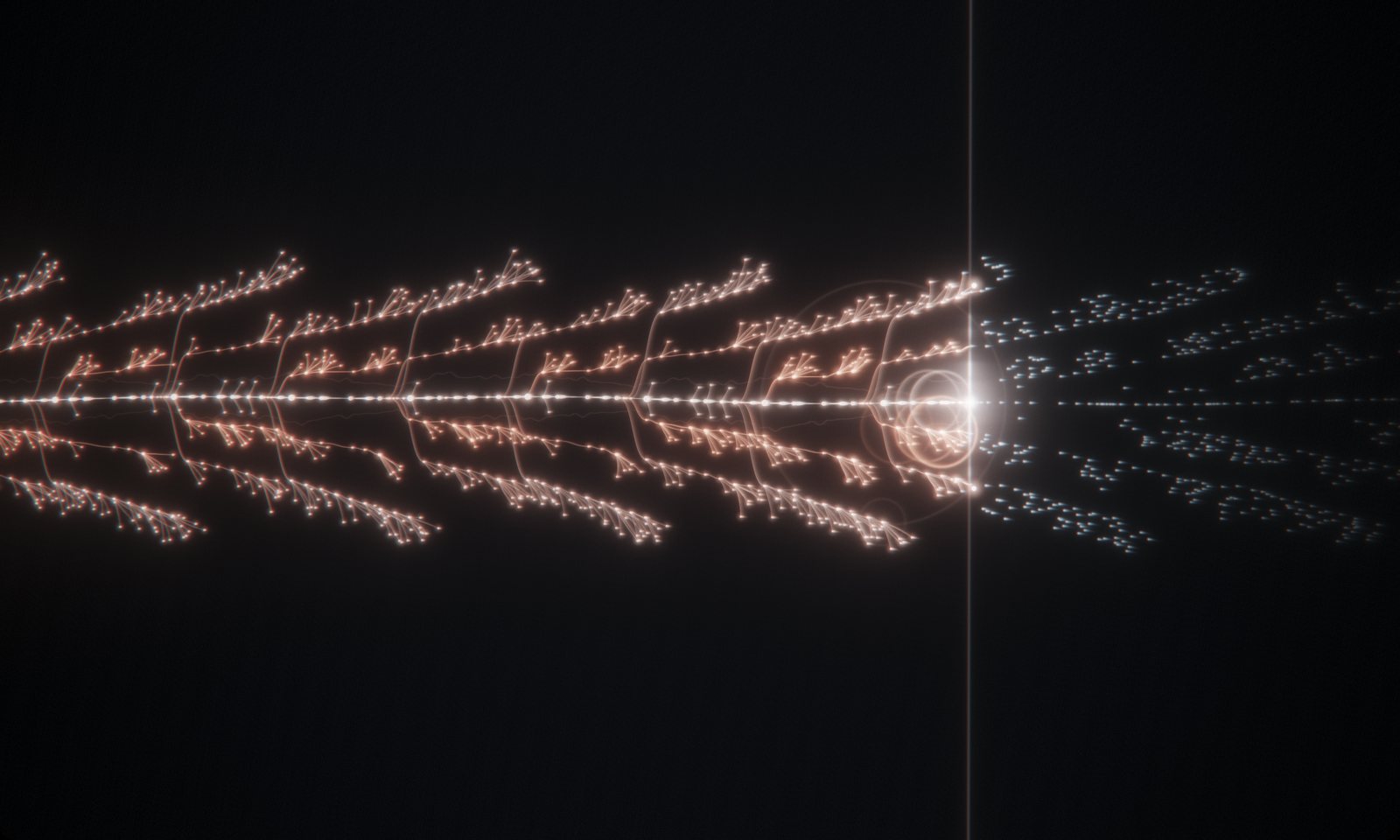
Visualinst turns a finished track into a visual that follows its rhythm and structure, in seconds, in the browser. Here’s who it’s built for, how it compares with other ways of making music visuals, and how to pick a plan.
Who it’s for
Beatmakers and producers
If you post beats regularly, Visualinst gives each one a distinct visual without a design session per upload. The structure of the beat shapes the picture, so two beats never look alike. Here’s the YouTube workflow.
Artists promoting a release
Teasers, lyric-video backdrops and visualizer uploads, made from the actual song — and your unreleased audio never leaves your computer.
DJs, listening parties and live rooms
Run it full screen on a projector or second display while a mix or an album plays. The section forks give the room a sense of where the music is going.
Streamers
Add the browser window to OBS as a reactive background or a “now playing” scene.
Teachers and students
The spiral map shows song form — verse, hook, bridge, repeats — at a glance, which makes arrangement easy to discuss.
How it compares
- Template video makers apply the same animation to any audio. Visualinst builds the picture from the track’s own beats and sections.
- Motion-graphics software such as After Effects gives total control at the cost of hours per video. Visualinst takes seconds and needs no skills.
- Real-time player visualizers react to the sound playing right now. Visualinst analyzes the whole song first, so it knows the bar lines, the sections and what’s coming. Why that matters.
Free or Pro?
Free (account required) includes the full analysis, the classic visualizer, the upcoming-note preview and the spiral song map. It’s a complete visualizer, not a trial.
Pro ($9.99/month or $99/year) adds:
- The FLUX, VORTEX and FUSION looks — a GPU fluid simulation and 3D particle formations driven by the track
- The FLUID camera director — 11 shots including five 3D perspectives, cutting on the beat
- RANDOM looks in one click
- The FX panel with 8 palettes and the full effect stack
- PNG export
Choose Pro if you publish often and want variety, camera movement or a signature look. Yearly costs $8.25 a month, about 17% less than monthly. Payments are handled by Polar, and you can cancel anytime from your account page.
Good to know
- Visualinst works from audio files — that’s what lets it read the whole song in advance.
- To make a video, record the window with OBS, Game Bar or the macOS screenshot toolbar; Visualinst renders live at your screen’s frame rate.
- The web app runs on Windows, macOS, Linux and ChromeOS in current desktop browsers. A native Mac app for Apple Silicon is coming soon.
- Your audio is processed on your device and never uploaded.
Start free with one of your tracks — you’ll know in a minute whether it’s for you.
Keep reading
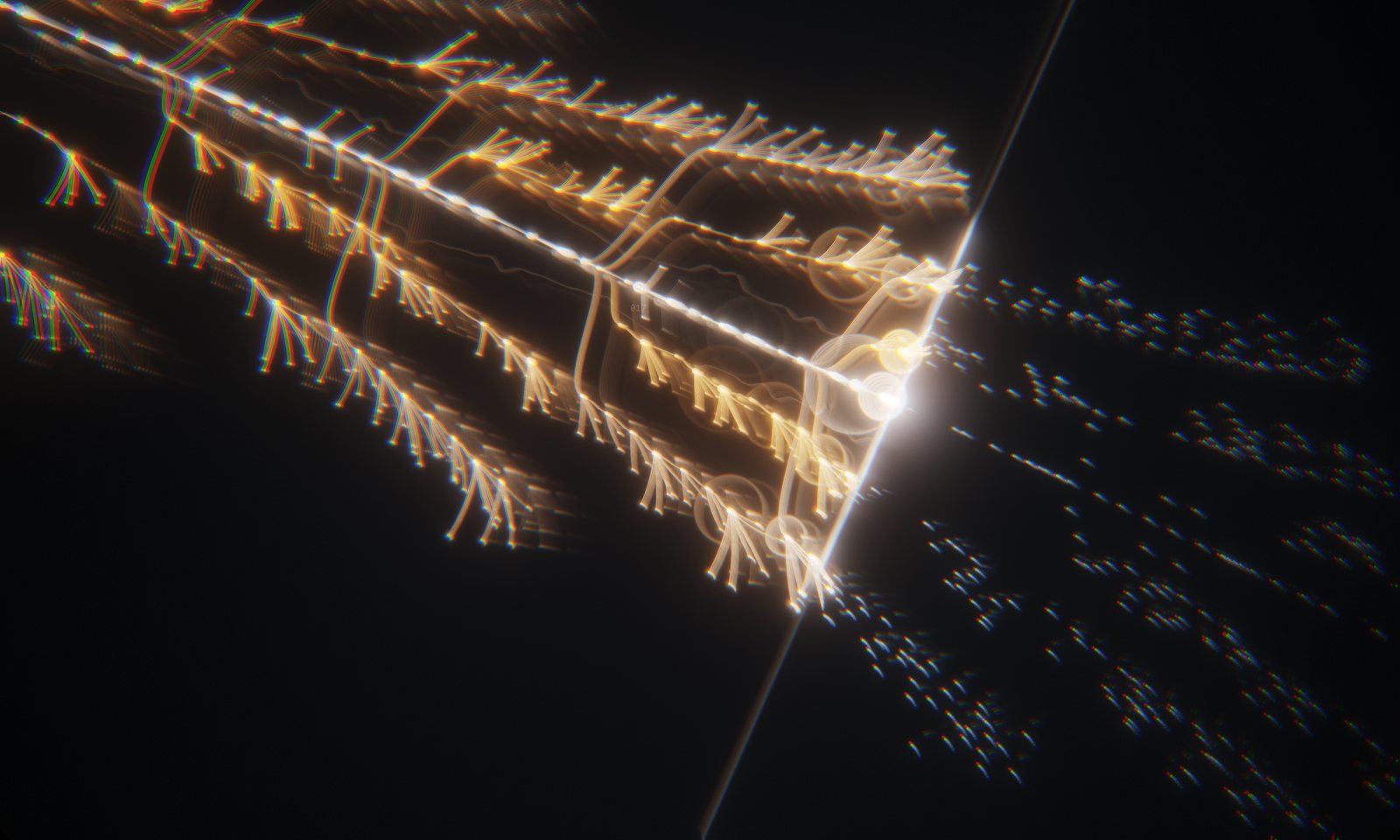
How to Make a Music Visualizer for Your Beat in Under a Minute
Turn an MP3 or WAV into a visualizer that follows your kick, snare and hi-hats — no video editor, no templates, no keyframes. A step-by-step guide.
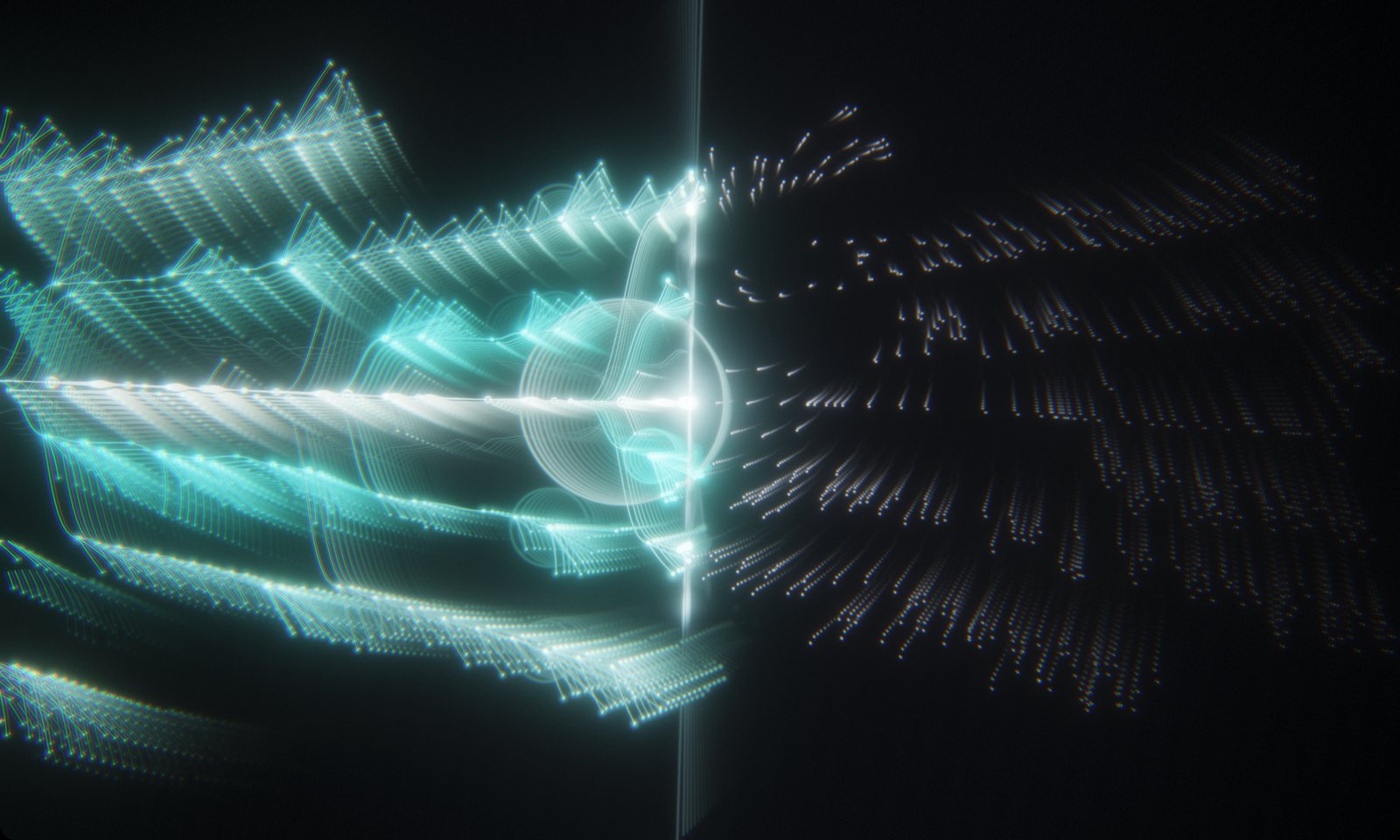
A Music Visualizer Workflow for YouTube Type Beats
How beatmakers can give every upload its own visualizer: analyze the beat, pick a look, record a clean 60 fps take, and pull a thumbnail from the same session.
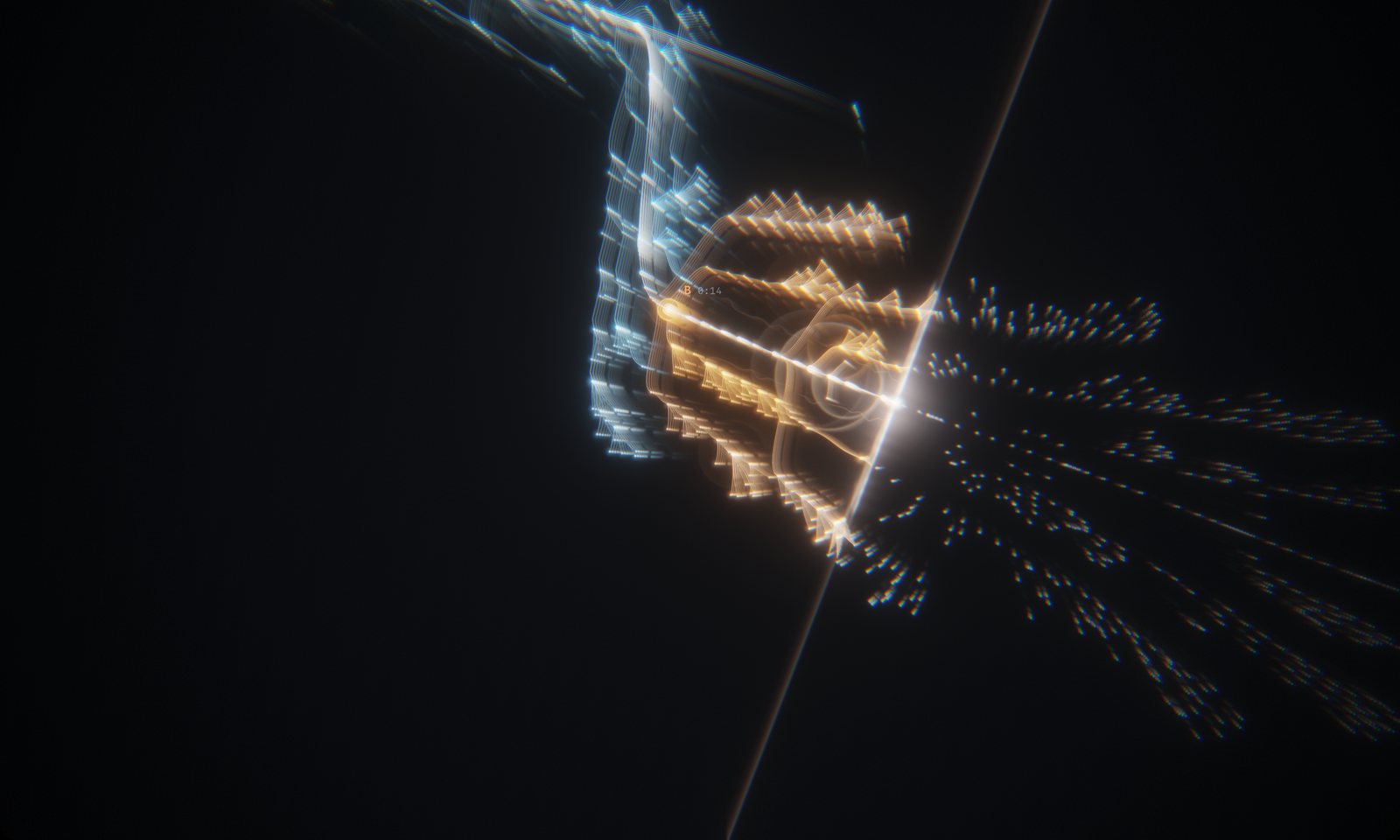
Audio-Reactive vs. Structure-Aware: Why Visualinst Reads the Whole Track First
Most visualizers react to the last few milliseconds of sound. Visualinst analyzes the entire song first, so the picture can follow beats, sections and what’s coming next.